Description
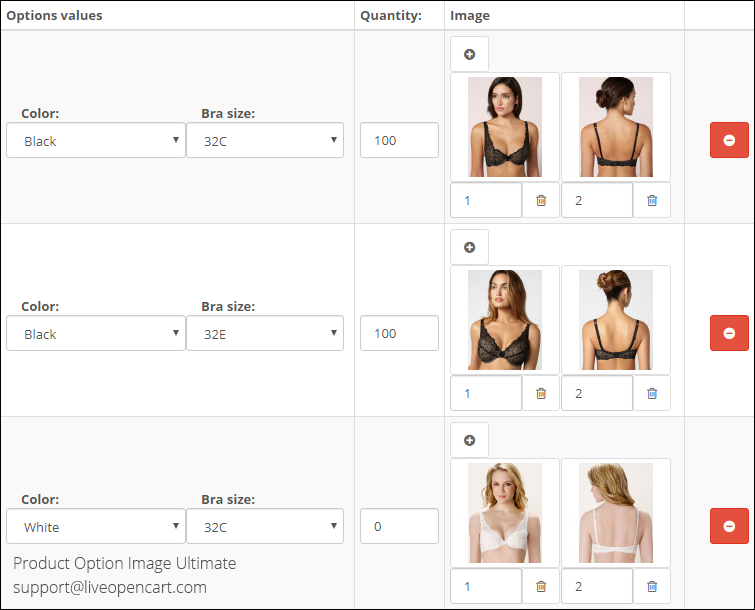
Product Option Image Ultimate is an advanced version of the Product Option Image PRO module. It lets you assign multiple images to product option values and images to combinations of related options (compatibility with our Related Options and Related Options PRO) and arrange images by dragging and dropping them.
The basic functionality of the Ultimate module version (the same as in the PRO version):
The module lets you assign images to product option values (1 or more images per product option value) and display (show/hide) the option images on the product page in the customer section depending on selected options.
Standard OpenCart lets you set option images only globally (to option values on the option edit page). The module lets you set product specific images for options on the product edit page.
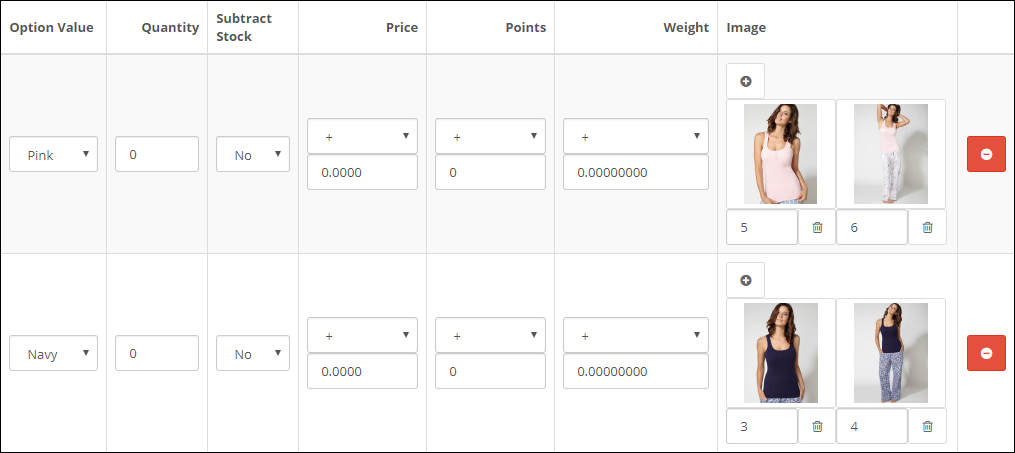
The first possible way is to assign images for option values (on the product edit page tab "Option"). This way is good if every option value has its own images (no intersection with images of other options).
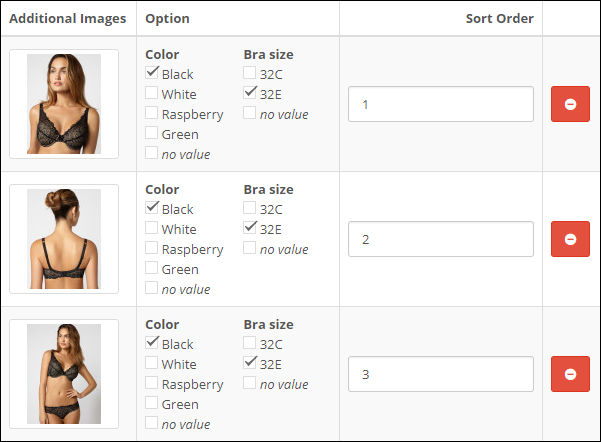

The second possible method is to link option values to images (on the product edit page tab "Image"). This method is good in cases when the same images are used for different option values.
On the product page in the customer section the module lets you change the main product image and the list of additional product images according to the selected option values.
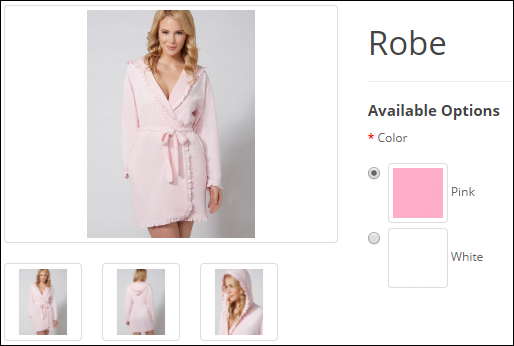
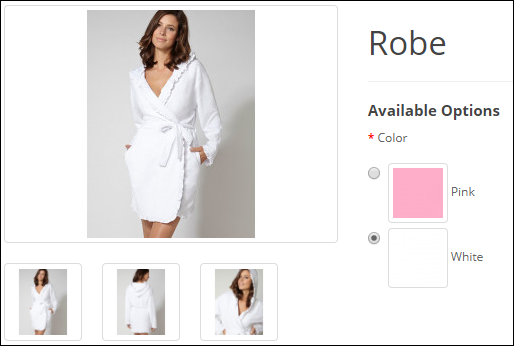
Additionally it lets you use product specific option thumbnails (instead of common option images).
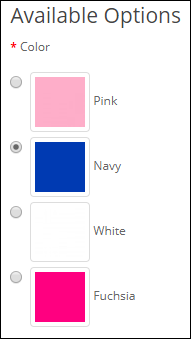
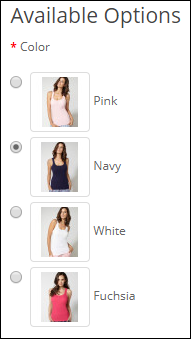
If images are linked with different options, the module lets you not only update the product image and the list of additional images according to both selected options, but also appropriately update option thumbnails.

The module works not on the product page only, but for product lists too. It lets you display product option images besides the main product image and change the main image on mouse over additional image. Clicking an option thumbnail opens the product page with the corresponding option selected.

The similar way the module lets you change the main product image on mouse over an additional image on the product page in the customer section.
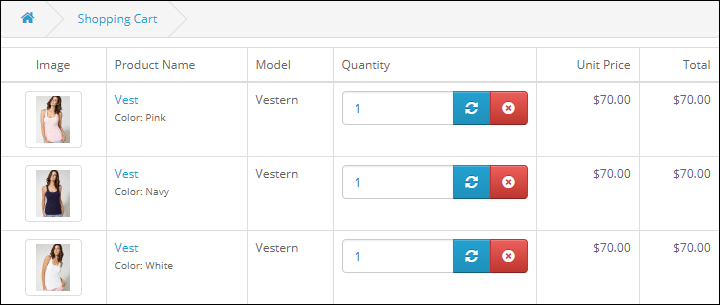
The module also displays product images that match the selected options in the shopping cart.
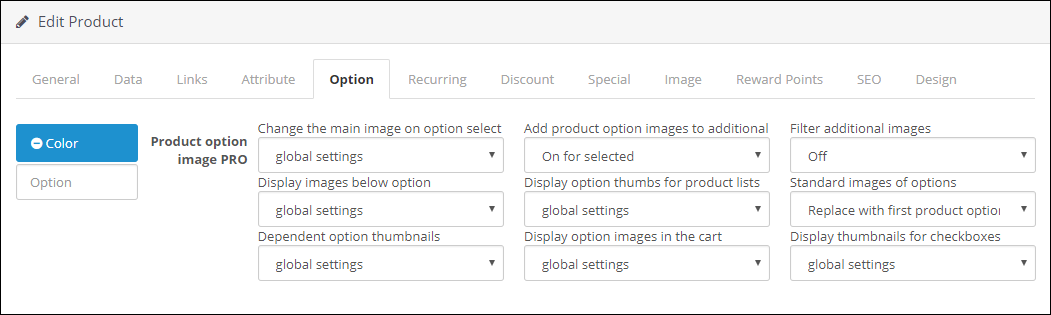
Most features are optional. You can configure them globally in the module settings, separately for each option, or for an individual product option.
The extension supports XLSX import and export of product option images from its settings page. The synchronization is based on identifiers of option values (option_value_id, but not product_option_value_id).
The advanced features of the Ultimate version:
- selecting many images at once (for products and product options on the product edit page in the admin section)

- simple arranging sort order of images (by drag-and-drop) for product images (on the product edit page tab "Image"), for product option images (on the product edit page tab "Option") and for combinations of related options.

- assigning images directly for combinations of related options (compatibility with our Related Options and Related Options PRO)