Description
Quantity per Option lets customers enter a quantity for each option value on the product page. For example, a customer can order two small T-shirts and three large ones with a single click. The cart shows each size on a separate line with its own quantity and price.
You can also use quantities for extras on a single item. For example, a customer can order one pizza with two portions of mushrooms and one portion of olives. The cart shows the toppings and their quantities under the pizza.
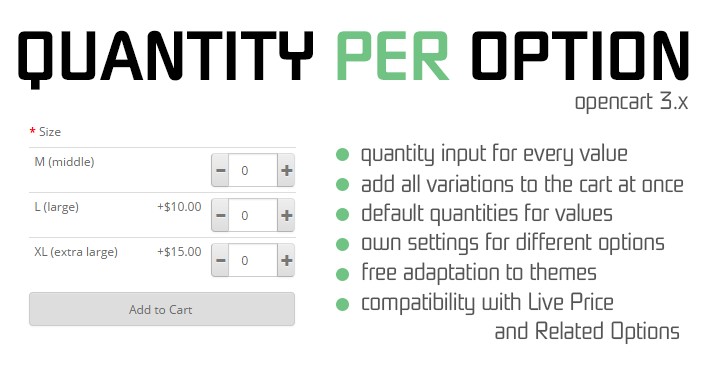
Choose how quantities work for each option and set default quantities for individual option values. Customers can type a number or use the plus and minus buttons before adding the product to the cart.